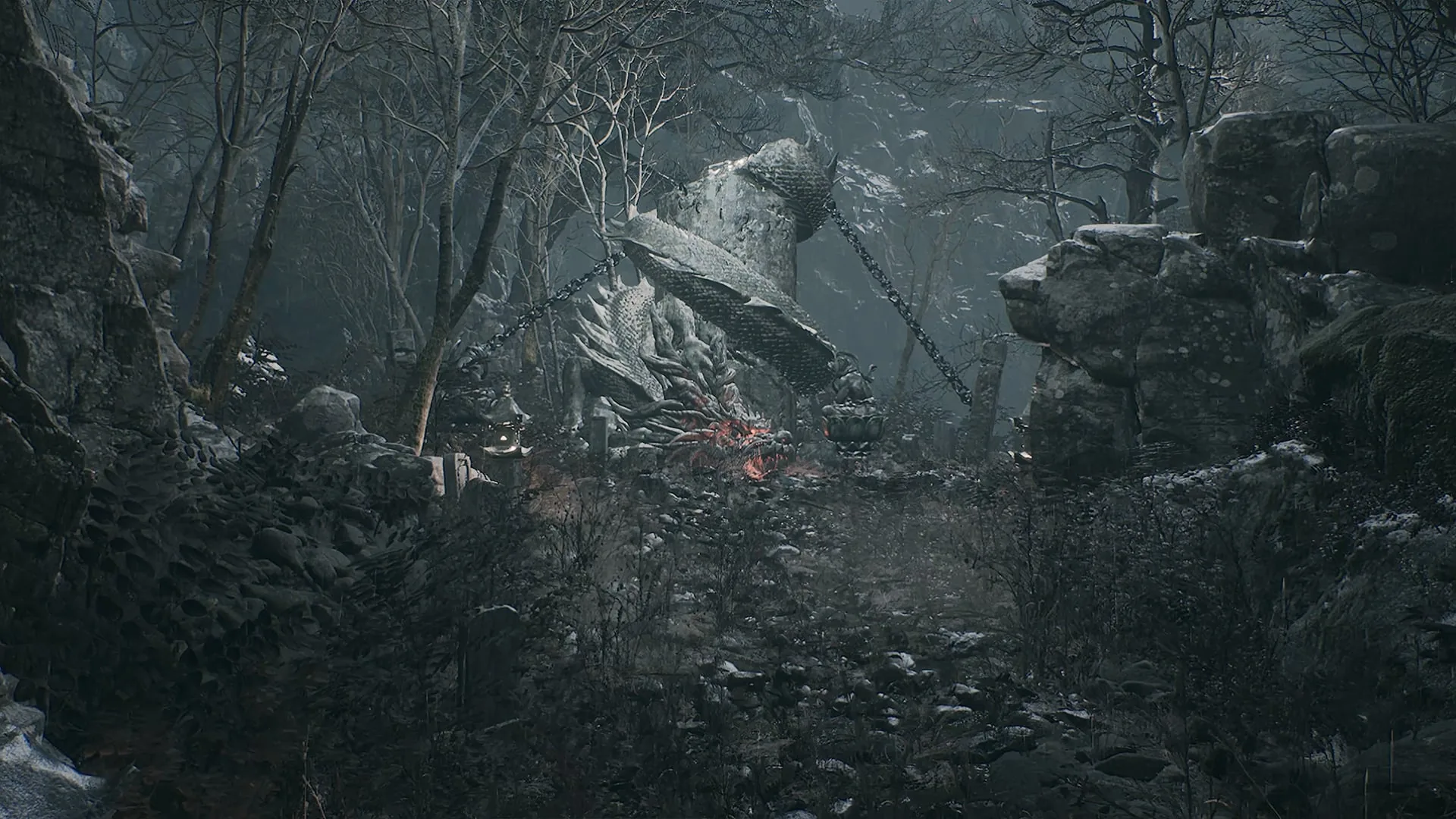
Phantom Blade Zero launched on October 29, 2026 into a rare position: an 88-rated action game with 833,921 concurrent Steam players and a PC port that most people can run well, provided they survive the first launch. The port’s reputation rests on two things — a long one-time shader compile and a settings menu where the wrong toggles cost you 30% of your frame rate. This guide separates what S-GAME and Digital Foundry have confirmed from what the community has measured, and flags where the two disagree.
The First Launch: Shader Compilation
Phantom Blade Zero compiles shaders on first boot, using all available CPU threads. This is not optional and not skippable. Wccftech measured roughly 8 minutes on an i7-14700K; a separate i7-9700K / RTX 2060 test took 20–55 minutes with long stalls. The compile re-runs after GPU driver changes or game updates.
The November 3 patch reportedly shortened compile time and stopped compiling ray-tracing shaders by default — a meaningful change if you never enable RT.
Stutter: What’s Fixed, What Remains
The launch build eliminated most shader stutter. What survives is traversal stutter — hitches when crossing region boundaries — plus occasional cutscene hitches. Ray tracing and path tracing add intermittent traversal hitches on top.
There is no built-in benchmark. Testing in a quiet corridor tells you nothing; test in a mob fight with effects on screen.
| Issue | Status | Fix |
|---|---|---|
| Shader stutter | Largely eliminated | Let first-launch compile finish |
| Traversal stutter | Remains, system-dependent | Lower Environment Detail; disable RT |
| Cutscene hitches | Remains | No confirmed fix |
| Bluetooth controller lag | Fixed in Nov 3 patch | Update, or use wired/USB dongle |
| Reflex not activating with V-Sync | Fixed in Nov 3 patch | Update the game |
| AMD RX 9000 sky/hair corruption | Fixed in Nov 3 patch | Update the game |
Drivers: The One Number That Matters
S-GAME found NVIDIA driver 621.01 unstable with the game and recommended a clean install of 617.42 until NVIDIA shipped a follow-up. That warning shipped with the day-one patch. AMD users should run the latest Adrenalin release.
If you are on 621.01 and seeing crashes or frame-time spikes, this is the first thing to change — before touching any in-game setting.
Upscaling: DLSS, FSR, XeSS, TSR
The game supports DLSS 4.5 Super Resolution and Multi Frame Generation, FSR, XeSS, and TSR. The consistent recommendation across PC coverage is Quality mode on whichever upscaler your GPU supports natively — DLSS on RTX, FSR on Radeon, XeSS on Arc.
Frame generation is optional and carries a cost: it adds input lag, and on Steam Deck specifically it made the experience worse. Motion blur should be off when frame gen is active.
Ray Tracing and Path Tracing
Both RT and path tracing are main-menu-only toggles — changing them requires a restart and a shader recompile. Plan around that.
- Ray tracing targets 1080p/60 on an RTX 5060 8GB, upscaled. Cost is described as small, with reflections the clearest visual gain.
- Path tracing targets 2160p/60 on an RTX 5080 16GB, upscaled, and realistically wants an RTX 4090/5090 with frame generation.
- On PS5 Pro, RT is a separate toggle covering shadows, reflections, and GI — likely hardware Lumen.
For most PCs, RT off is the correct default. The performance budget is better spent on resolution.
The Best Optimized Settings
Wccftech’s tuned profile improved average FPS from 74 to 103 (+39%) and 1% lows from 63 to 87 at 1440p versus the Ultra preset. That is the single most useful data point in this article.
| Setting | Recommendation |
|---|---|
| Preset | High / Very High |
| Upscaler | DLSS / FSR / XeSS — Quality |
| Ray tracing | Off unless you have headroom |
| Path tracing | RTX 4090/5090 + frame gen only |
| High-Quality Hair | Off |
| Environment Detail | Medium |
| Motion blur | Off (especially with frame gen) |
| Frame generation | Optional |
Start from High, not Ultra. Ultra’s gains are marginal against a 39% frame-rate cost.
PS5 and PS5 Pro Modes
Digital Foundry recommends Performance on both consoles.
| Mode | Target | Internal Resolution | Verdict |
|---|---|---|---|
| Performance | 60 FPS | ~900p–1080p dynamic | Best overall; brief dips |
| Balanced | 40 FPS | Between the two | Broken frame pacing; VRR does not fix it |
| Graphics | 30 FPS | ~1440p | Better shadows; judder from cap overshoot |
PS5 Pro adds the RT toggle, uses PSSR instead of TSR per DF’s assessment, and produces a sharper image at frame rates broadly in line with base PS5. Avoid Balanced on both machines.
Steam Deck: Wait
Valve has issued no rating. Steam Deck HQ’s late-October build test at lowest settings averaged 23–27 FPS in Crimson Forest, dipped near 10 FPS, and ran 2–2.5 hours on battery. It rated the port 1/5 and recommended against playing it. Frame generation added input lag rather than smoothing things out.
This is a late-October build and may improve. It has not improved yet.
A Practical Setup Route
- Update your GPU driver — NVIDIA to 617.42 if you hit instability on 621.01.
- Launch and let the shader compile finish completely. Reboot.
- Set the preset to High, upscaler to Quality, RT off.
- Turn High-Quality Hair off and Environment Detail to Medium.
- Disable motion blur; leave frame generation off initially.
- Test in a mob fight, not a corridor.
- Only then experiment with RT or path tracing, accepting the restart and recompile.
If you are still deciding how to approach the game itself, our beginner guide covers the opening hours, and the combat system explained breaks down the parry windows that make Hellwalker survivable. For a full run, the walkthrough sequences regions against the missable content.
Sources & confidence
Primary sources are the official Steam store page and S-GAME system requirements, Wccftech’s PC performance analysis, Digital Foundry’s PS5 review, Steam Deck HQ’s handheld test, and TwistedVoxel’s patch coverage. The biggest uncertainty is performance variance: shader compile times range from roughly 8 to 55 minutes depending on CPU, stutter reports differ between otherwise similar systems, and the Steam Deck numbers come from a late-October build that may not reflect current patches. Patch version naming is also inconsistent across platforms and trackers, so treat the November 3 changelog as reported rather than officially numbered.
Sources & further reading
- Steam store page — Valve
- Phantom Blade Zero review — IGN
- Trophy guide and roadmap — PowerPyx
- PC performance review — Wccftech
We link to the primary source for every hard number. If a source conflicts, we say so in the text.
By the PBZ Guide Team · Reviewed by the editorial desk Written in English from primary sources and cross-checked play routes. Spot an error? Tell us and we will update the guide. We link to the primary source for every hard number. If a source conflicts, we say so in the text.